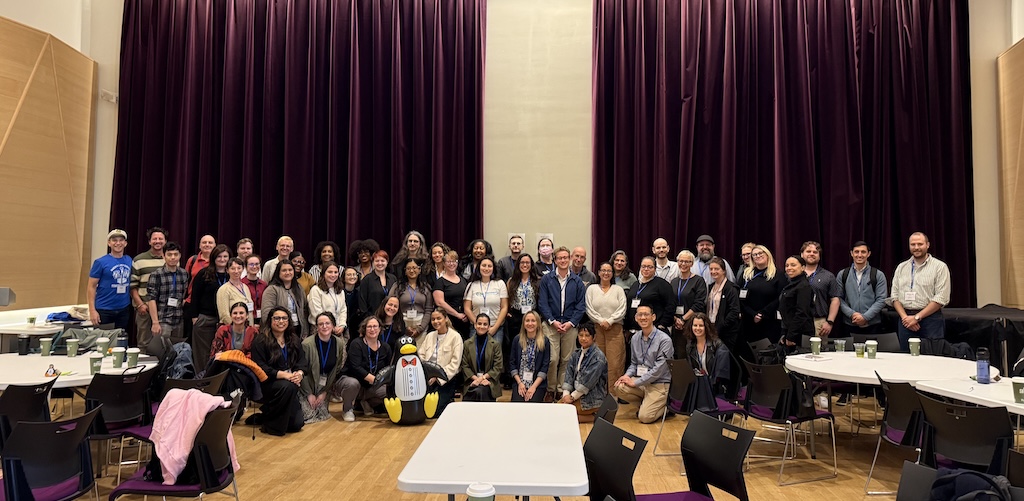
We’re back with the next NPSP Day recap! Coming off the heels of both San Francisco and Minneapolis, it’s been such a joy to feel the momentum of each of these community days build on one another. On October 9, we took the NPSP Day tour back to New York City for another day of collaboration, problem-solving, and sharing best practices among the nonprofit Salesforce community.
In case you missed it, back in June we hosted our first topic-specific NPSP Day in New York, focused entirely on fundraising. It was great to see some familiar faces return last week for this broader community event!
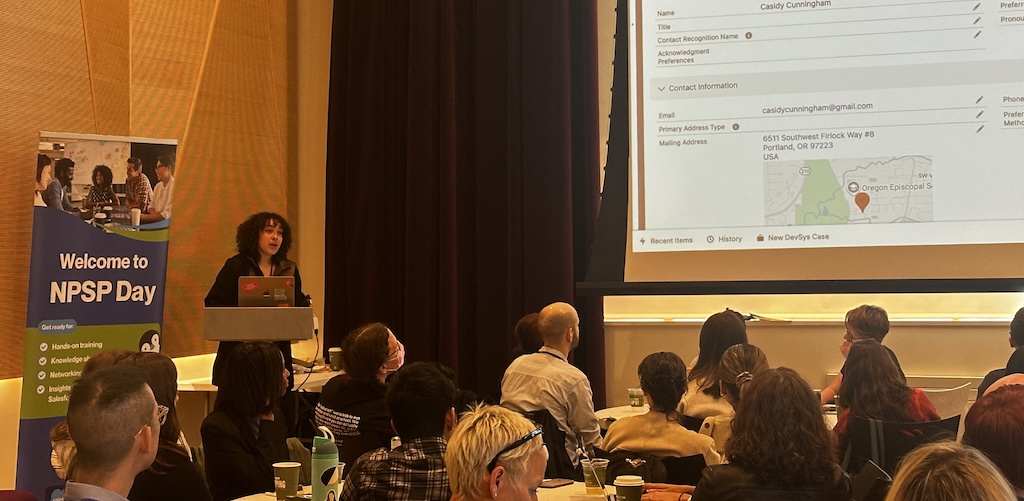
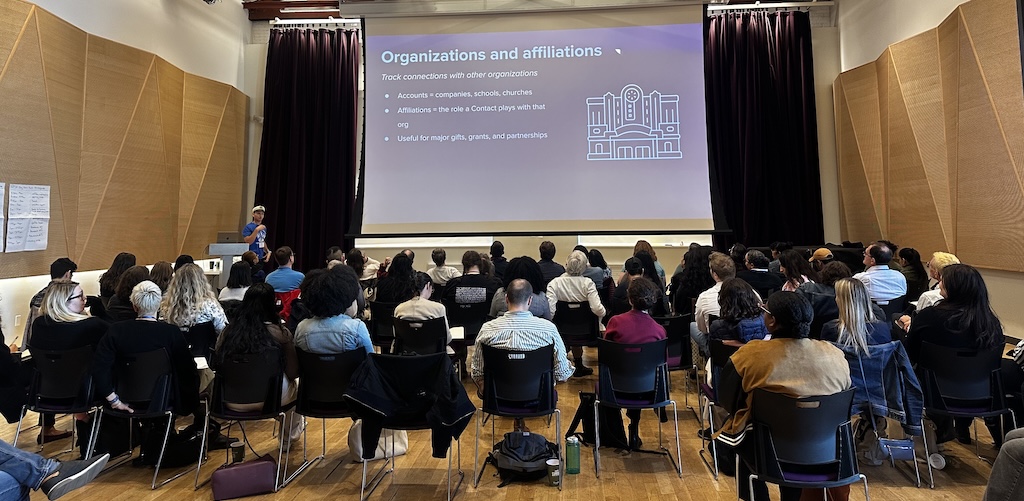
Led by Soapbox Engage and Idlewild Partners, the day brought together more than 70 nonprofit professionals, Salesforce users, and partners at The Center in Manhattan – our generous hosts for the third time! The air was crisp, the energy was high, and the room buzzed with curiosity as attendees dove into real-world challenges and solutions for managing data, engaging users, and strengthening their fundraising technology.
The day began with coffee, tea, and networking, followed by an opening circle, an interactive “NPSP weather report,” a couple presentations that dove into the latest developments in Salesforce, the Nonprofit Cloud, and beyond.
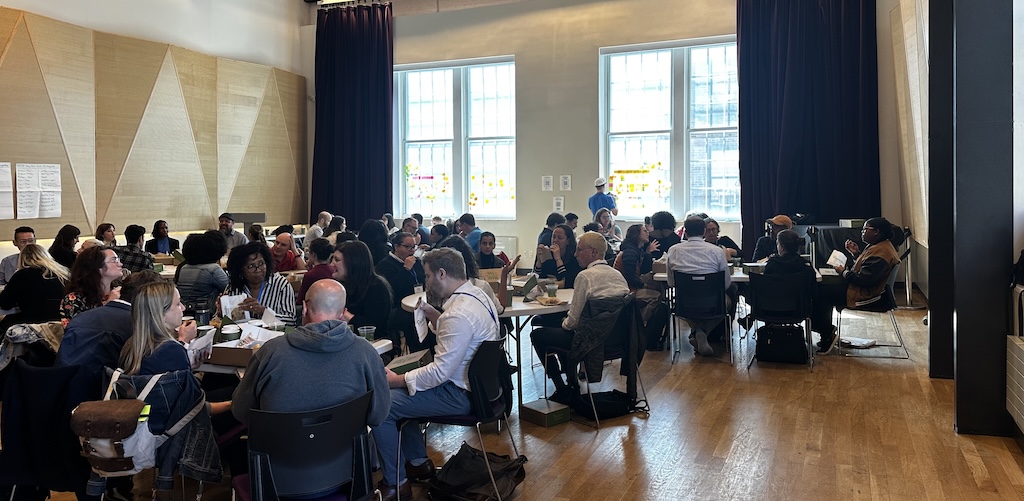
The afternoon was dedicated to hands-on learning and community-driven breakout sessions, where attendees tackled real-world challenges in user adoption, data hygiene, UX design, reporting, permissions, and data management. Below is a look at a handful of breakout discussions that shaped the day:
- User Adoption & Buy-In
- Data Hygiene
- Customizing UX & UI
- Reports & Dashboards
- Permissions, Profiles & Security
- Data Imports & Exports
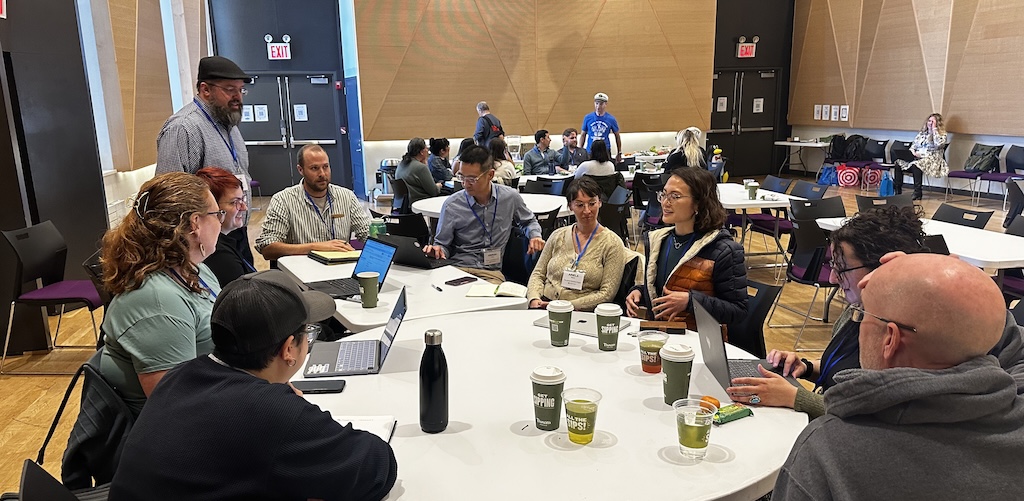
User Adoption & Buy-In
How do you encourage users to not just learn Salesforce, but truly adopt it? This session explored strategies for driving engagement, building training programs, and fostering accountability across teams.
Key takeaways:
- Document early and often. Use tools like CoPilot, Scribe, or Confluence to create living documentation and AI-grounded help resources.
- Adopt “I do, We do, You do.” Layered training builds both confidence and independence among users.
- Leadership accountability is essential. Tech adoption succeeds when supervisors enforce standards and include data governance in job roles.
- Make learning interactive. Use real scenarios, short “how-to” videos, and “What are your questions?” moments to deepen engagement.
- Gamify adoption. Consider leaderboards, user spotlights, or “mistake of the month” highlights to keep participation fun and consistent.
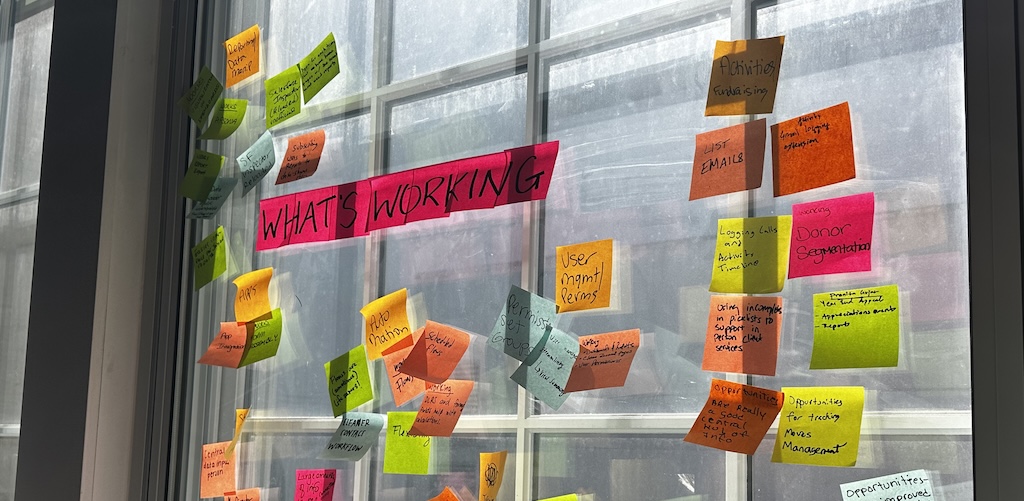
Data Hygiene
Data hygiene is an ongoing challenge for every nonprofit. This group tackled how to keep records clean, deduplicate efficiently, and maintain trustworthy information.
Key Takeaways:
- Don’t fear the delete key. Removing ghost records (no email, no history) keeps databases lean and reliable.
- Manage duplicates proactively. Use matching rules and staging fields before merging, and make deduplication an admin responsibility.
- Use automation wisely. Tools like DemandTools or Asana can help, but manual review still matters.
- Audit regularly. Run “report-on-reports” to identify unused or outdated reports for cleanup or archiving.
- Centralize anonymous gifts. Create a single anonymous account and categorize by giving levels when appropriate.
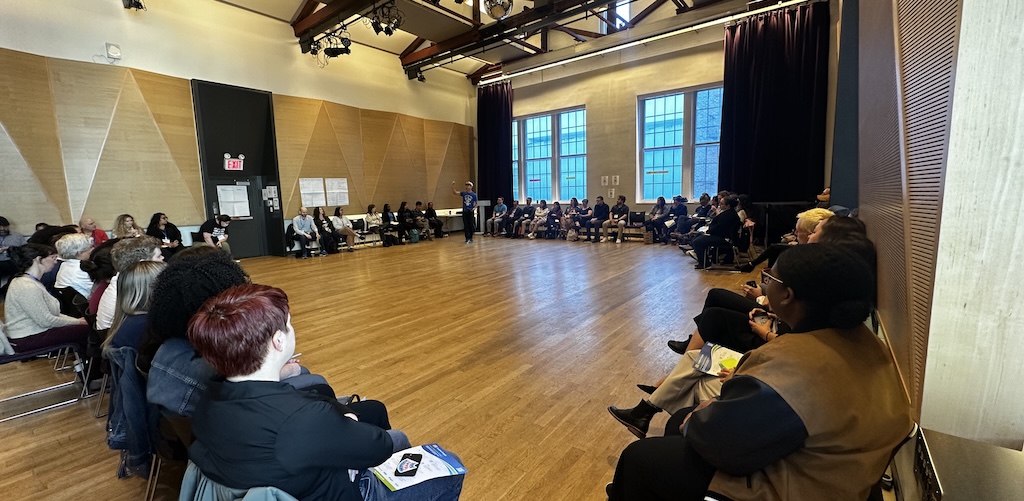
Customizing UX & UI
Great design goes hand-in-hand with great adoption. This session unpacked how thoughtful UX decisions can simplify daily workflows and improve accessibility.
Key Takeaways:
- Tabs > scrolling. Grouping related data into tabs prevents endless page layouts.
- Use dynamic forms. Hide irrelevant fields or sections based on record context.
- Keep accessibility top of mind. Consider color contrast, readability, and dashboard color schemes that meet accessibility standards.
- Leverage the Utility Bar and Home Page. Surface tasks, shortcuts, or a resource hub to guide users.
- Make it visual. Emojis, icons, or subtle design choices can make interfaces more intuitive and engaging.
Reports & Dashboards
From organizing report folders to teaching staff how to analyze data, this conversation focused on building clear, actionable reporting processes.
Key Takeaways:
- Start with the question. Define what you’re trying to learn before building the report.
- Use relative filters. Keep reports evergreen and relevant without frequent updates.
- Highlight missing data. Create dashboards that visualize gaps or inconsistencies.
- Adopt approval workflows. Store new reports in personal folders until reviewed for accuracy.
- Explore advanced tools. Apsona and custom report types can unlock complex multi-step analysis.
Permissions, Profiles & Security
Security and access management are complex topics—this discussion unpacked tools, tips, and challenges for maintaining a safe and efficient org structure.
Key Takeaways:
- Audit regularly. Review active users and permission sets quarterly to ensure proper access.
- Use free tools. Config Workbook and PermComparator simplify permission and profile management.
- Turn on “field-level security for permission sets.” This feature helps manage access while maintaining control at the field level.
- Monitor connected apps. Limit who can install and manage apps to reduce data breach risks.
- Document thoroughly. Avoid confusion when external consultants modify permissions—keep a clear record of what’s changed and why.
Data Imports & Exports
This session explored tools and best practices for bringing data in and out of Salesforce efficiently—and safely.
Key Takeaways:
- Choose the right tool for the job. Xappex, Data Loader, Data Import Wizard, DemandTools, and Apsona all serve different needs.
- Clean before importing. Check sources and use scripts or formulas (even AI-generated ones) to standardize data before upload.
- Maintain backups. Store both data and metadata copies to safeguard against loss.
- Avoid overwriting. Always confirm whether imported data should update, replace, or append existing records.
- Keep users in Salesforce. Integrations and automation can reduce reliance on exports and maintain a single source of truth.
NPSP Day New York was a reminder that the Salesforce nonprofit community thrives on shared learning, collaboration, and creativity. Thank you again to everyone who joined, contributed, and helped make this event such a success. A special thank you to The Center for hosting us once again, and to Idlewild Partners for helping make the day possible!
Join a Future NPSP Day!
Want to join in on the fun? Check below or visit npspday.org to see if we’re coming to a city near you and be sure to mark your calendar!
- NPSP Day Washington DC - November 6
- NPSP Day Philadelphia - December 4

 Donations
 Events
 Petitions
 Forms
Forms Shop
Shop Directories